A little paper.
A whole new world.
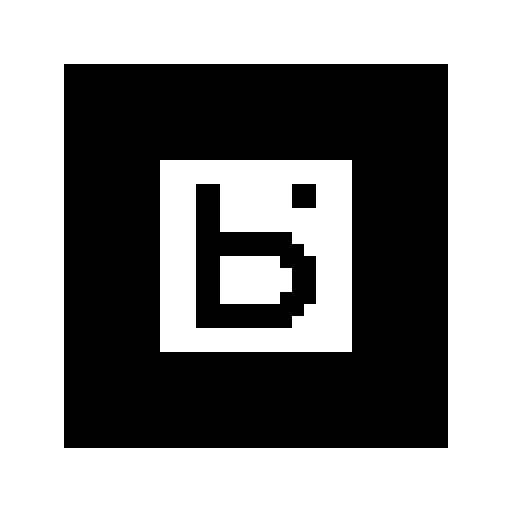
One simple card brings your learning into view. Print it once, then use it with every Project Badi camera experience.
Your little window
into learning.
- 01
Print your card.
Use black and white, matte paper, and 100% scale. Keep the full white margin and attach it to a flat card, table, or wall.
- 02
Point your camera.
Open an experience and launch the camera. Use bright, even light and keep the entire square in view. On a phone, choose the rear camera.
- 03
Turn an idea around.
Rotate the card slowly to turn the 3D scene. Select parts of the model and explore the questions in each experience.
One card. A shared invitation.
Everyone gets the same free Explorer Card. Its b. symbol is Project Badi’s own tracking pattern. It identifies the card, rather than a person or a paid account. Shared printouts are welcome in this free edition.
Have an older HIRO printout? Replace it with this Badi card to use the current experiences.
Keep the white margin. Attach to a flat card, table, or wall. Open Project Badi, launch your camera, and keep the entire square in view in bright, even light. Rotate slowly to turn the 3D scene.